Super Markdown: A Free Markdown Reader in One HTML File
AI tools hand me Markdown files all day. On a locked-down work computer I could not install a reader, and Notepad shows the raw symbols. I am also dyslexic, so a wall of plain text is hard going.
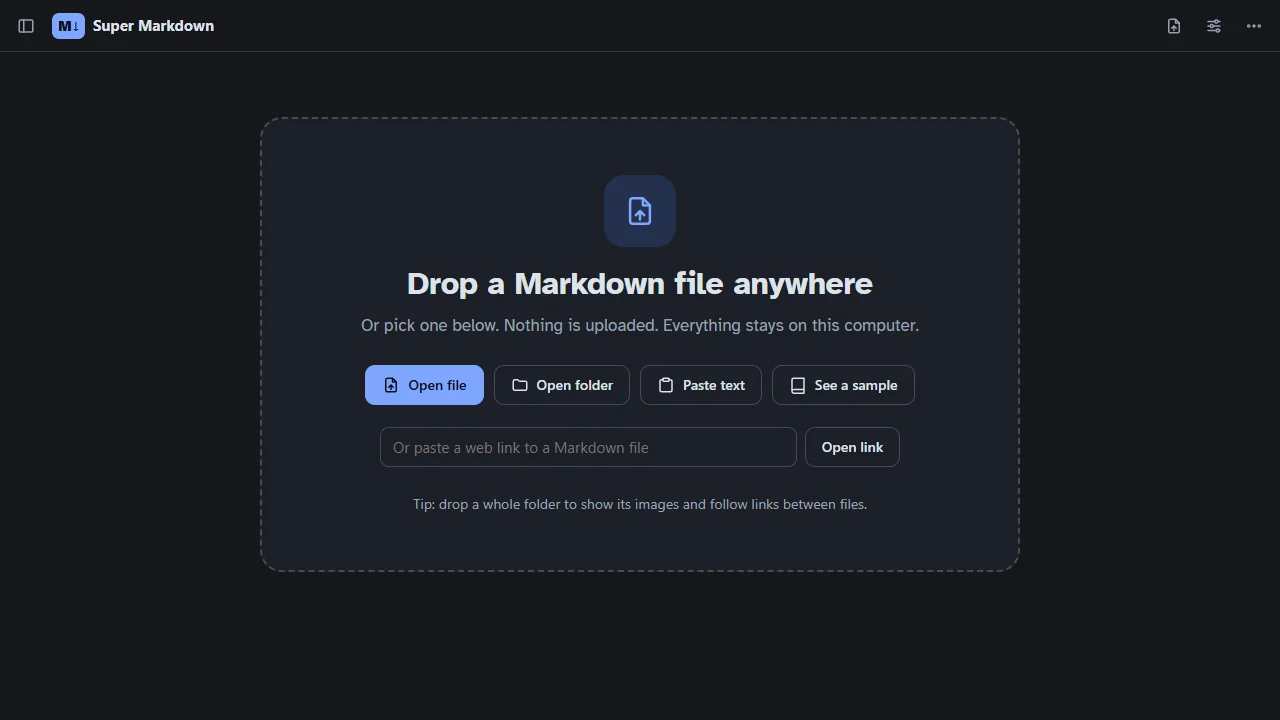
Super Markdown is my answer. It is a Markdown reader that is a single HTML file. Copy it to a desktop, a USB stick or a network share, double-click it, and drag a file in.
Open Super MarkdownSource code on GitHub
How to use it
| You want to | Do this |
|---|---|
| Open a file | Drag it in, or press Ctrl+O |
| See pictures and follow links between files | Drop the whole folder |
| Open a Markdown file from the web | Paste its link anywhere on the page |
| Read text from the clipboard | Press Ctrl+V on the page |
| Change theme, font or spacing | Click the sliders icon, top right |
| Print or make a PDF | Menu, then Print / save as PDF |
| Send someone a formatted copy | Menu, then Save as an HTML page |
Two versions
- Full, about 4.5 MB. Includes Mermaid diagrams and math.
- Lite, about 0.5 MB. Everything else. Diagrams and math show as code.
Safe for a work machine
- Nothing is uploaded. It only goes online for a web link you open or pictures a document points to.
- Scripts inside a Markdown file never run.
- Your sign-ins are never sent when it fetches a web link.
- Open documents are remembered in the browser only, and you can turn that off.
It also reloads on its own when the file changes, in Edge and Chrome. That is handy when an AI tool is still writing the document you are reading.
markdown
offline
accessibility
open source
free tool
Comments